
Auto-repliesऑटो रिप्लाई
Welcome and away messages, business hours, and keyword replies for common questions.
वेलकम और अवे मैसेज, बिज़नेस आवर्स, और आम सवालों के लिए कीवर्ड जवाब।
Transcript
0:00Welcome
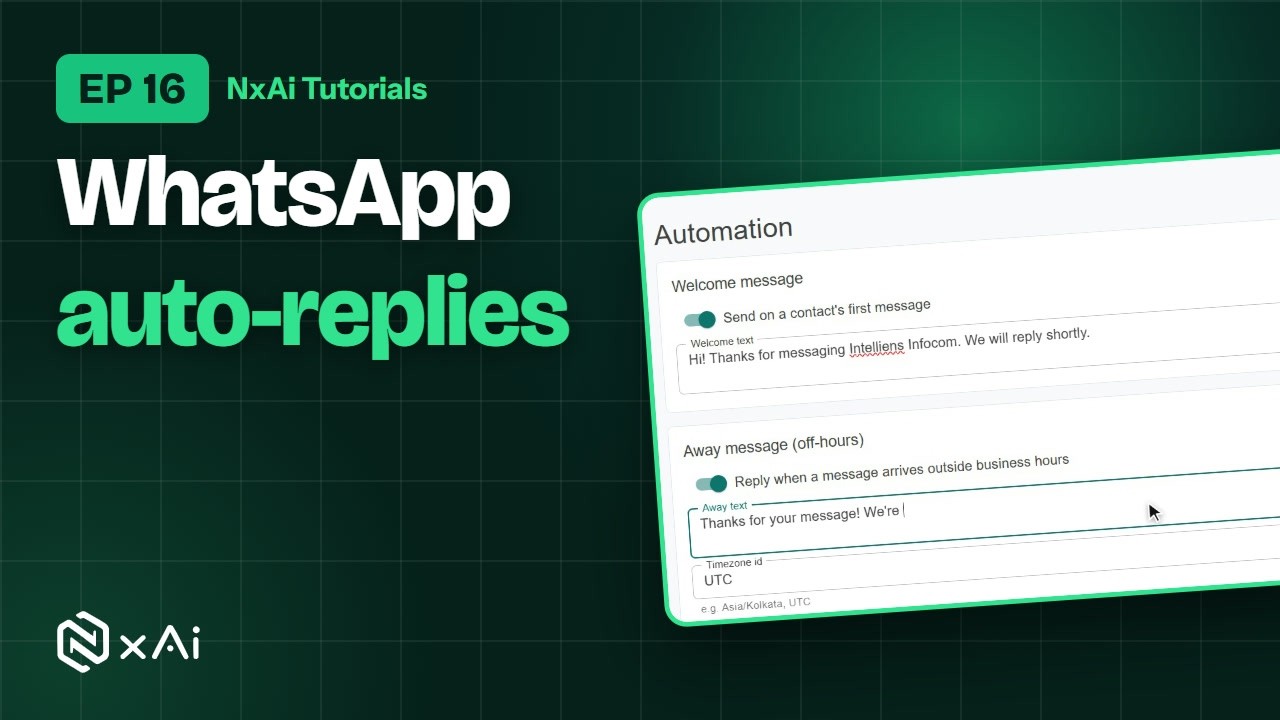
Welcome to NxAi tutorials! In this episode, you'll set up automatic replies, so no message goes unanswered.
0:09What you'll do
We'll set a welcome message, an away message, your business hours, and replies to common keywords.
0:17Auto-replies page
Under Chatbots and AI, open Auto replies. There are three kinds: a welcome message, an away message for when you're closed, and replies to keywords.
0:30Welcome message
Switch on the welcome message, and write what someone gets when they message you for the first time.
0:37Away message & business hours
Switch on the away message, for messages that arrive outside business hours, and write it. Set your time zone, then tick the days you're open and set the hours. Here we add Saturday.
0:53Keyword replies
For common questions, click Add rule. When a message contains the keyword, NxAi replies with your text, or with an approved template. Click Save automation to switch it all on.
1:09Auto-reply, chatbot or AI?
Auto replies send one quick answer. A chatbot guides a whole conversation. And the AI assistant answers questions about your business in its own words.
1:20Next episode
In the next episode, we'll set up your AI assistant, and teach it about your business. If this video helped, subscribe, and see you in the next one!
ट्रांसक्रिप्ट
0:00स्वागत
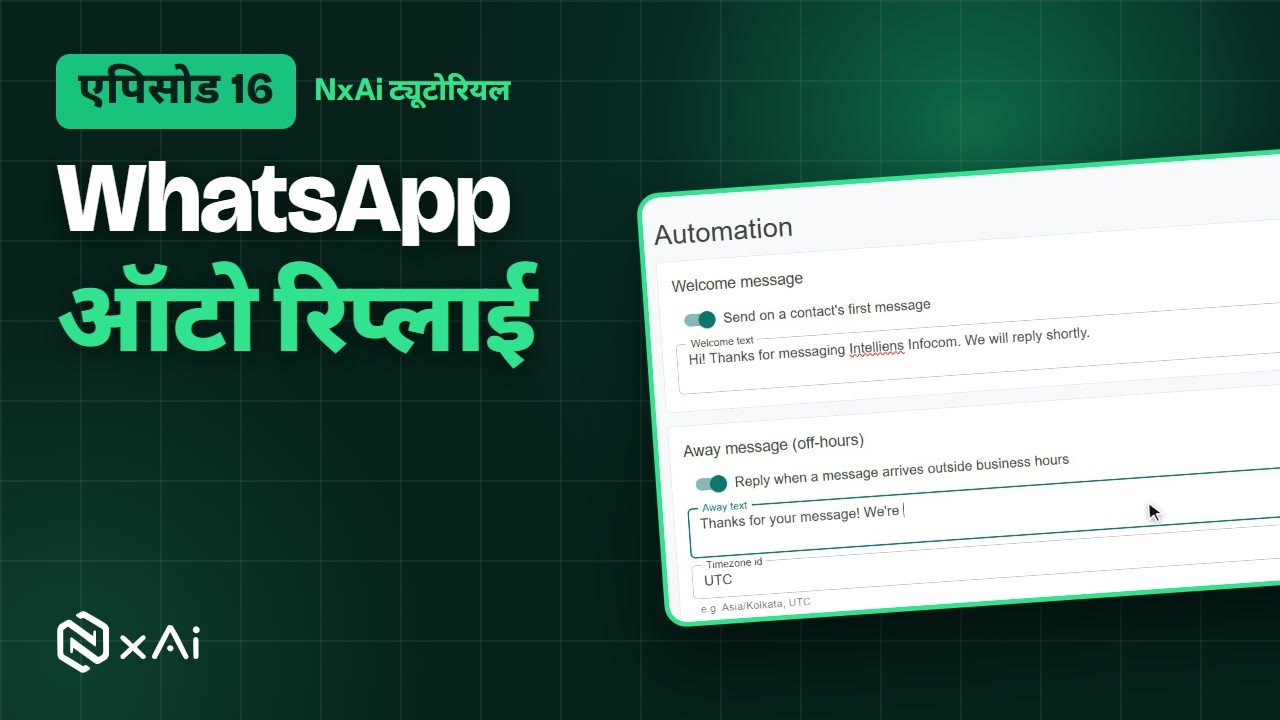
NxAi ट्यूटोरियल्स में आपका स्वागत है! इस एपिसोड में आप ऑटोमैटिक जवाब सेट करेंगे, ताकि कोई मैसेज बिना जवाब के न रहे।
0:11इस एपिसोड में
हम एक वेलकम मैसेज, एक अवे मैसेज, आपके बिज़नेस आवर्स, और आम कीवर्ड्स के जवाब सेट करेंगे।
0:18Auto-replies पेज
Chatbots & AI में Auto-replies खोलिए। ये तीन तरह के होते हैं: वेलकम मैसेज, बंद होने के समय के लिए अवे मैसेज, और कीवर्ड्स के जवाब।
0:31वेलकम मैसेज
वेलकम मैसेज चालू कीजिए, और लिखिए कि कोई आपको पहली बार मैसेज करे तो उसे क्या मिले।
0:39अवे मैसेज और बिज़नेस आवर्स
अवे मैसेज चालू कीजिए, उन मैसेजेज़ के लिए जो बिज़नेस आवर्स के बाहर आते हैं, और उसे लिखिए। अपना टाइम ज़ोन सेट कीजिए, फिर जिन दिनों आप खुले हैं उन्हें टिक कीजिए और समय सेट कीजिए। यहाँ हम शनिवार जोड़ते हैं।
0:56कीवर्ड जवाब
आम सवालों के लिए Add rule पर क्लिक कीजिए। जब किसी मैसेज में वह कीवर्ड हो, तो NxAi आपके लिखे जवाब से, या किसी अप्रूव्ड टेम्पलेट से जवाब देता है। सब कुछ चालू करने के लिए Save automation पर क्लिक कीजिए।
1:14ऑटो रिप्लाई, चैटबॉट या AI?
ऑटो रिप्लाई एक छोटा जवाब भेजते हैं। चैटबॉट पूरी बातचीत आगे बढ़ाता है। और AI असिस्टेंट आपके बिज़नेस के बारे में सवालों के जवाब अपने शब्दों में देता है।
1:26अगला एपिसोड
अगले एपिसोड में हम आपका AI असिस्टेंट सेट करेंगे, और उसे आपके बिज़नेस के बारे में सिखाएँगे। अगर यह वीडियो काम का लगा, तो चैनल सब्सक्राइब कीजिए, मिलते हैं अगले एपिसोड में!

Ready to try it on your own number?
Start free and follow along. We help you set up the first bot, template and campaign.
3 months free · No credit card required · Free onboarding
