
Learn NxAi, one short video at a time.
Start with the complete overview, then go step by step: from creating your account to your first campaign, chatbot and AI agent. Every episode shows the real product, one task at a time, in English and Hindi.
- 19 short episodes
- About 48 minutes in all
- English and Hindi, with captions
- 19 छोटे एपिसोड
- कुल लगभग 53 मिनट
- हिंदी और अंग्रेज़ी, कैप्शन के साथ


1.Get startedशुरुआत
Episodes 1–5एपिसोड 1–5- Ep 13:33
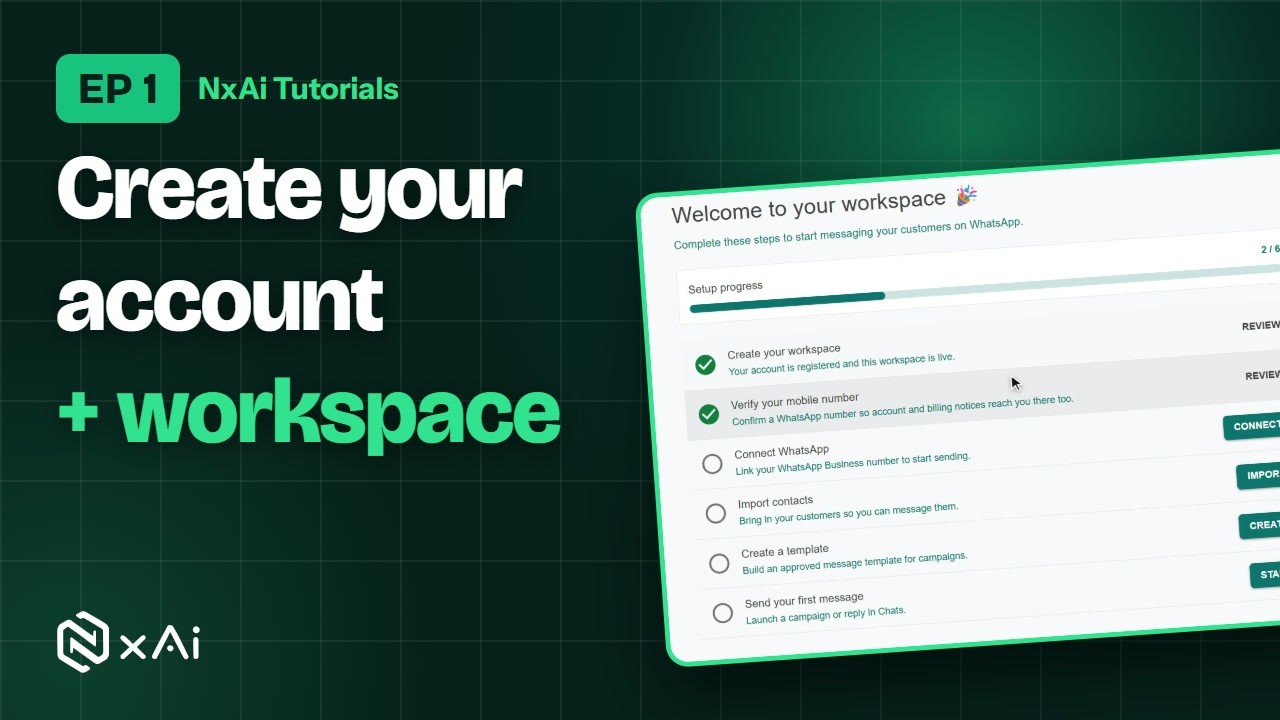
Create your account & workspace
Sign up, confirm your email, set up your workspace and verify your mobile number.
एपिसोड 13:58अकाउंट और वर्कस्पेस बनाइए
साइन अप कीजिए, ईमेल कन्फ़र्म कीजिए, वर्कस्पेस सेट कीजिए और मोबाइल नंबर वेरिफ़ाई कीजिए।
- Ep 34:26
Connect your WhatsApp number
Connect your number through Meta's own signup, add a payment method in Meta, and check your number's health.
एपिसोड 35:05WhatsApp नंबर कनेक्ट कीजिए
Meta के अपने साइनअप से नंबर कनेक्ट कीजिए, Meta में पेमेंट मेथड जोड़िए, और नंबर की हेल्थ जाँचिए।
- Ep 44:24
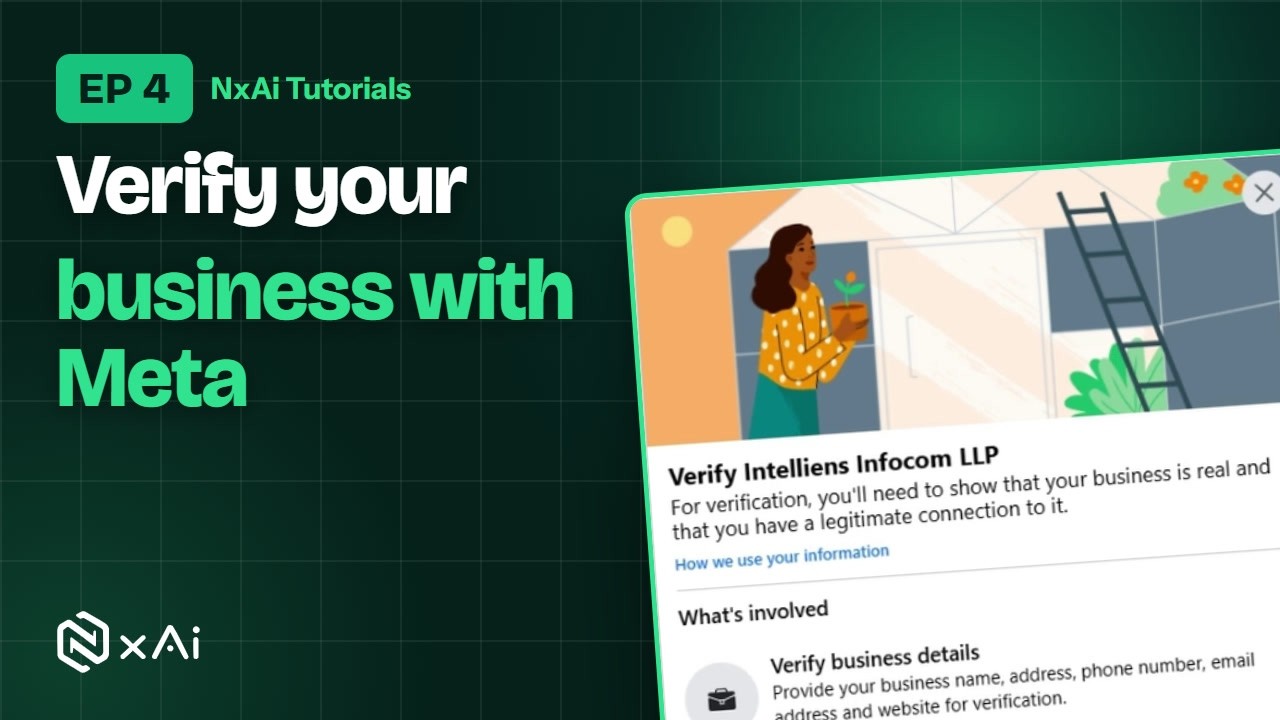
Meta business verification
Verify your business with Meta so your number can message more customers a day, then complete your profiles.
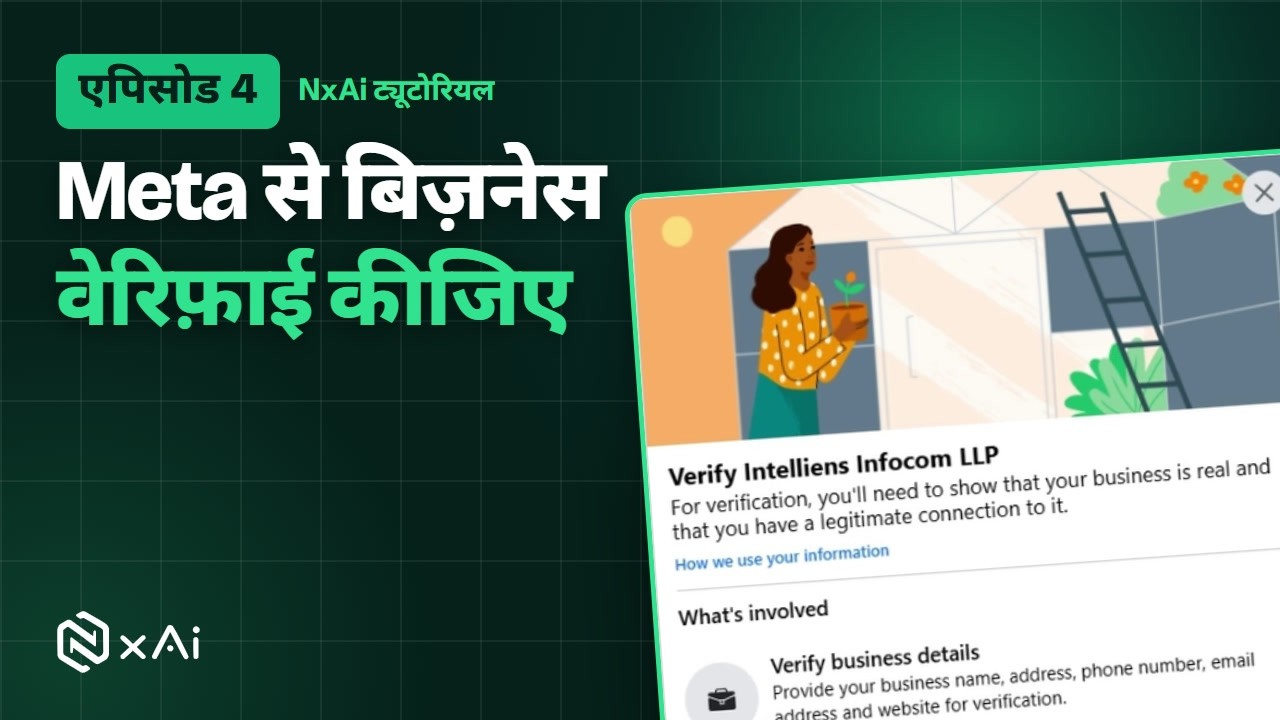
एपिसोड 44:51Meta बिज़नेस वेरिफ़िकेशन
Meta से बिज़नेस वेरिफ़ाई कीजिए ताकि नंबर रोज़ ज़्यादा कस्टमर्स को मैसेज भेज सके, फिर प्रोफ़ाइल पूरी कीजिए।
- Ep 52:32
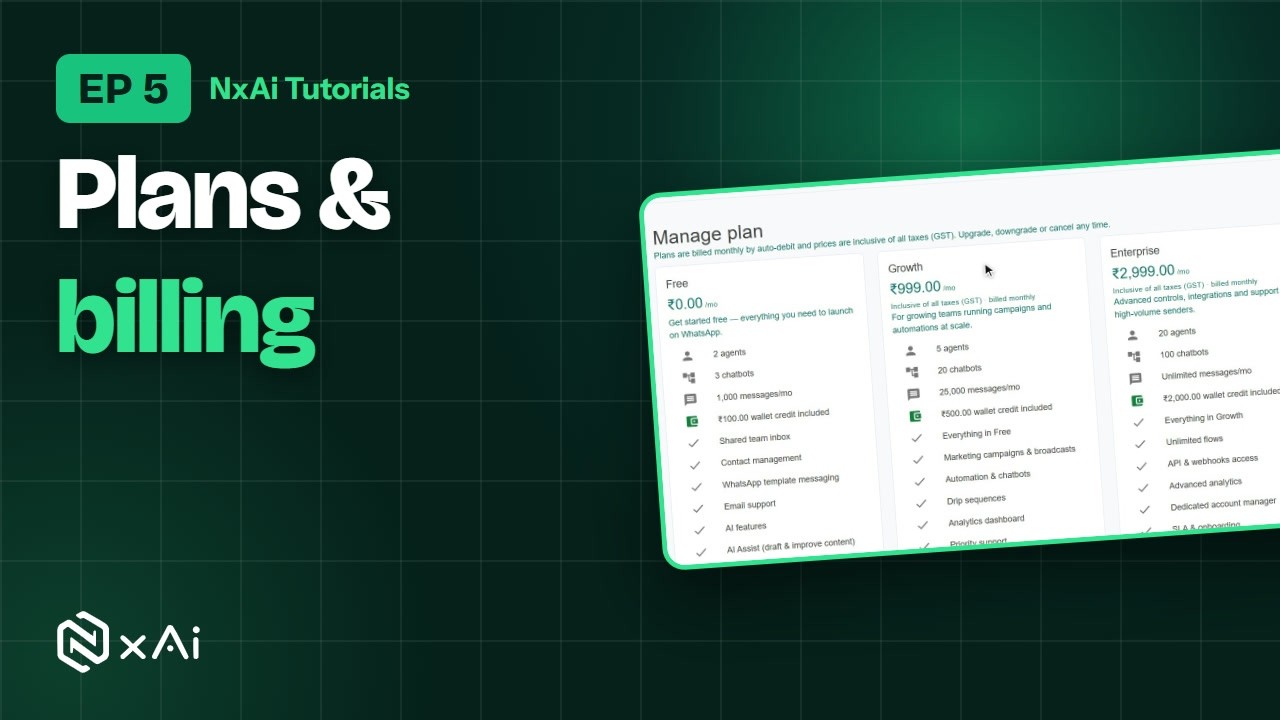
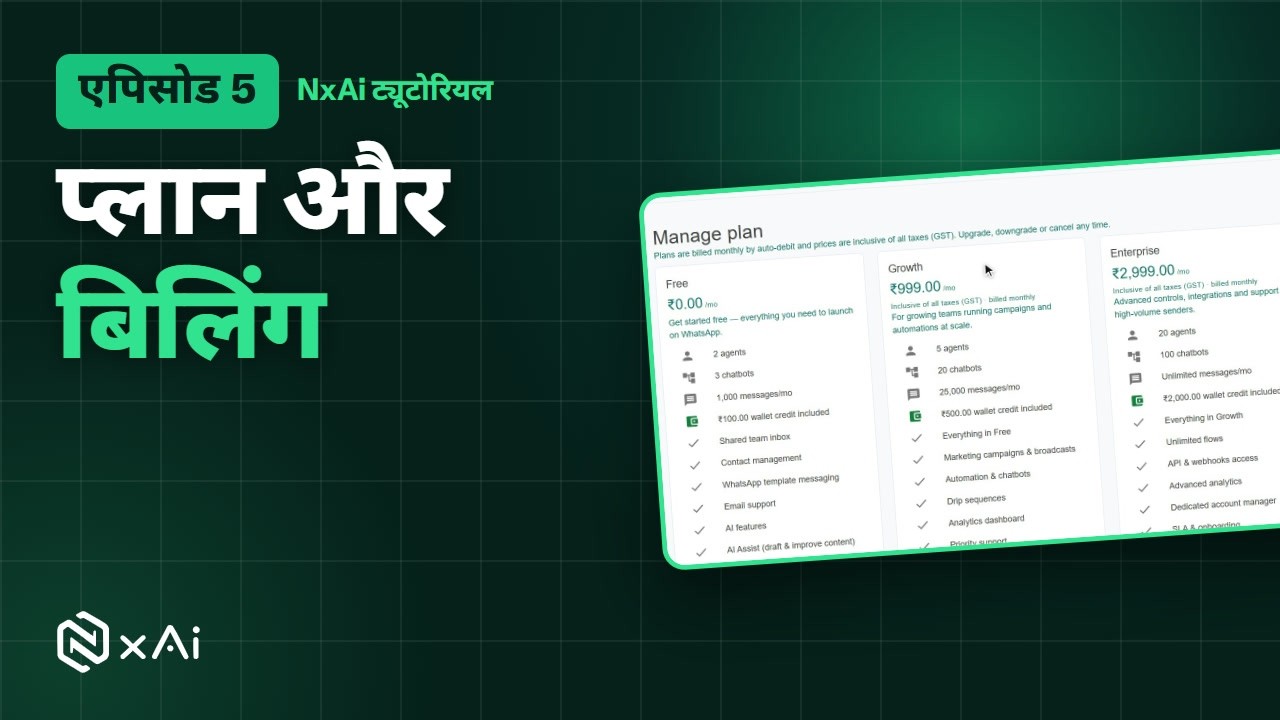
Plans & billing
Compare the plans, see what you pay NxAi and what Meta bills, and find your payments.
एपिसोड 52:53प्लान और बिलिंग
प्लान्स की तुलना कीजिए, समझिए कि NxAi को क्या और Meta को क्या देना है, और पेमेंट्स कहाँ मिलते हैं।


2.Contacts & teamकॉन्टैक्ट्स और टीम
Episodes 6–9एपिसोड 6–9- Ep 62:27
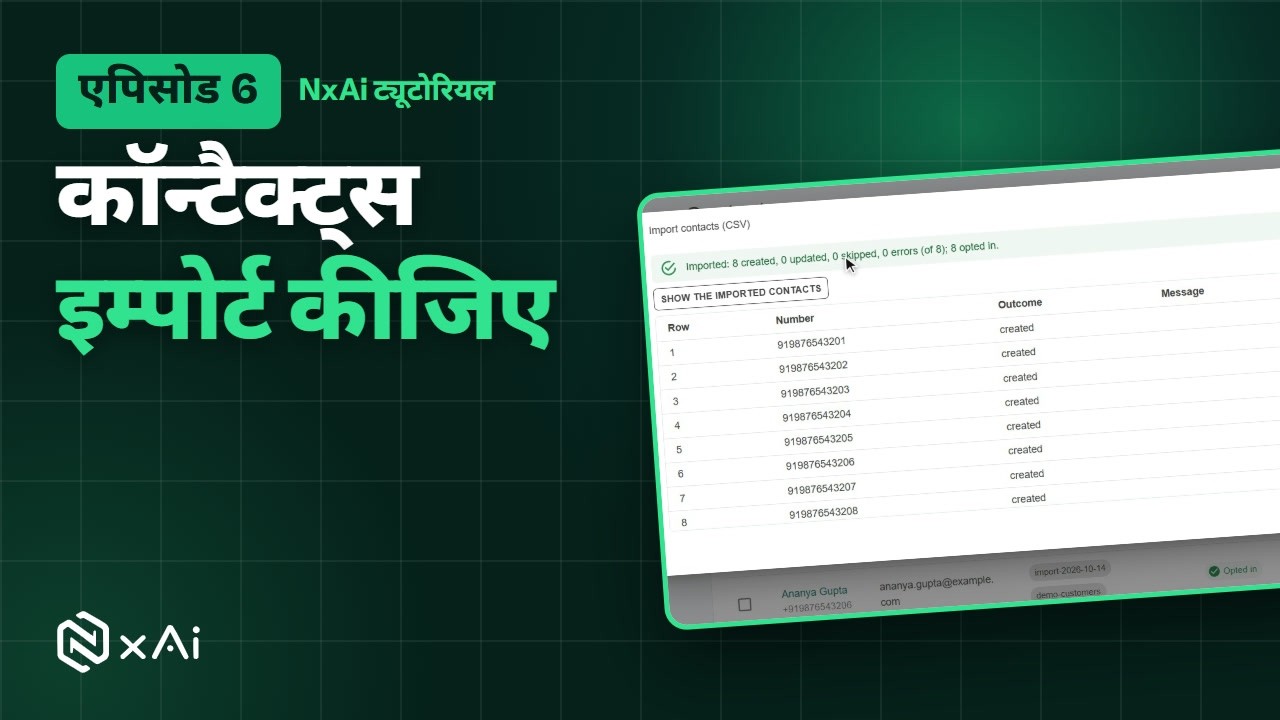
Add & import contacts
Add contacts by hand or from a CSV file, tag them, and record marketing consent the right way.
एपिसोड 62:56कॉन्टैक्ट्स जोड़िए और इम्पोर्ट कीजिए
कॉन्टैक्ट्स ख़ुद या CSV फ़ाइल से जोड़िए, टैग लगाइए, और मार्केटिंग सहमति सही तरीक़े से दर्ज कीजिए।
- Ep 72:11
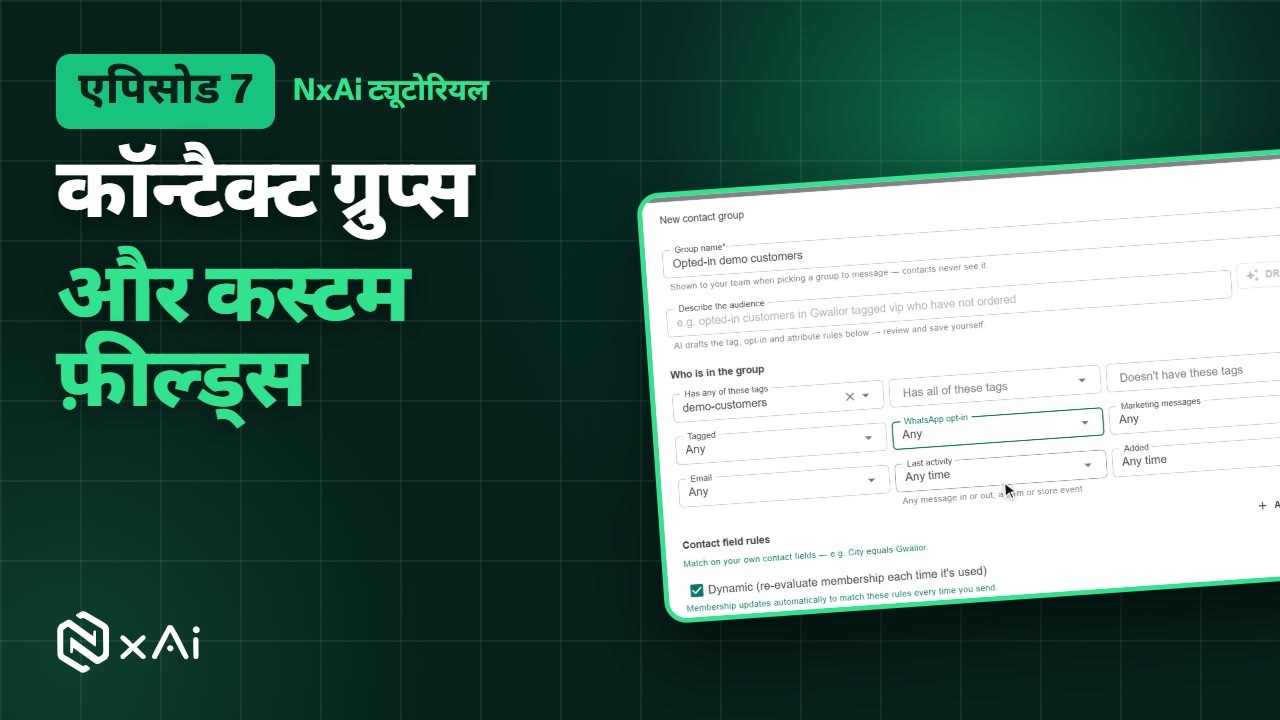
Contact groups & custom fields
Create your own fields and build groups that update themselves, ready for campaigns and follow-ups.
एपिसोड 72:23कॉन्टैक्ट ग्रुप्स और कस्टम फ़ील्ड्स
अपने फ़ील्ड्स बनाइए और ऐसे ग्रुप्स बनाइए जो ख़ुद अपडेट होते हैं, कैंपेन और फ़ॉलो अप के लिए तैयार।
- Ep 82:10
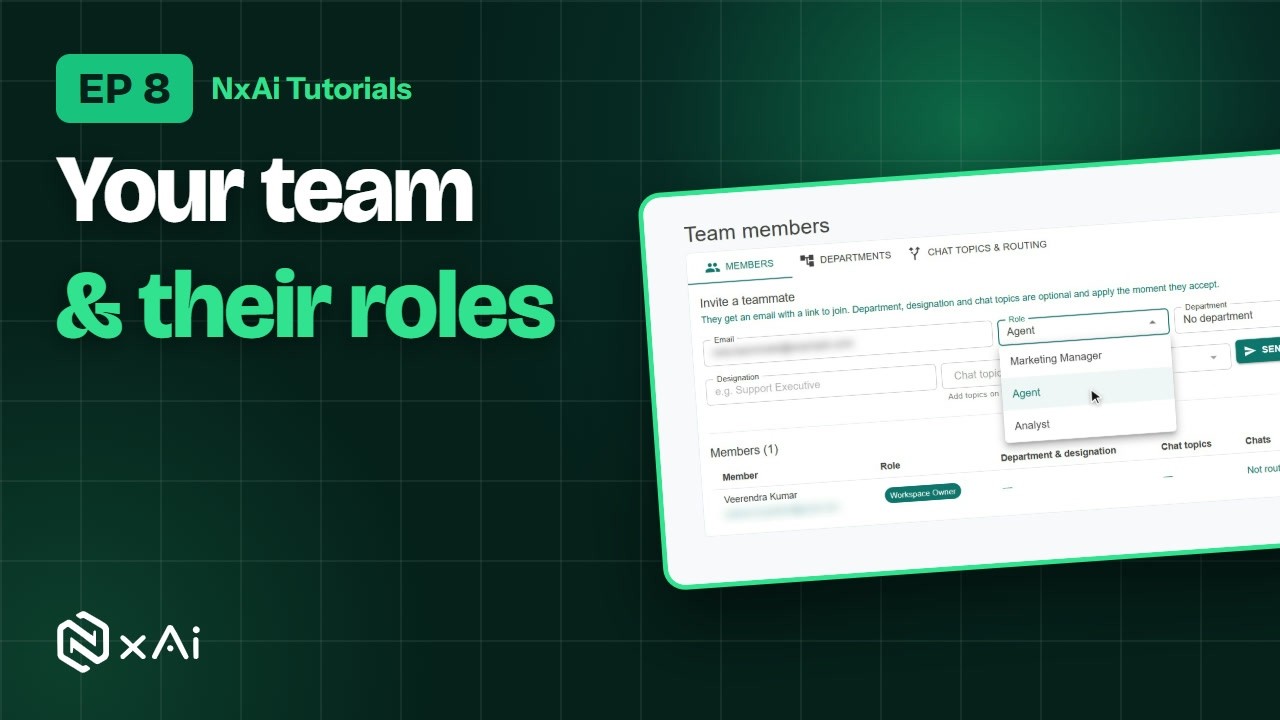
Add your team
Invite teammates, pick their roles, group them into departments and route chats by topic.
एपिसोड 82:24अपनी टीम जोड़िए
साथियों को इनवाइट कीजिए, रोल चुनिए, डिपार्टमेंट्स बनाइए और टॉपिक के हिसाब से चैट रूट कीजिए।
- Ep 92:15
Chat from the team inbox
Reply inside the 24-hour window, use quick replies and notes, and claim, assign and resolve chats.
एपिसोड 92:31टीम इनबॉक्स से चैट
चौबीस घंटे की विंडो में जवाब दीजिए, क्विक रिप्लाई और नोट्स इस्तेमाल कीजिए, और चैट क्लेम, असाइन और रिज़ॉल्व कीजिए।




3.Grow your list & send messagesलिस्ट बढ़ाइए और मैसेज भेजिए
Episodes 10–13एपिसोड 10–13- Ep 102:13
Links, QR codes & opt-in forms
Create a trackable chat link and its QR code, and an opt-in form that records consent.
एपिसोड 102:28लिंक, QR कोड और ऑप्ट इन फ़ॉर्म
ट्रैक होने वाला चैट लिंक और उसका QR कोड बनाइए, और सहमति दर्ज करने वाला ऑप्ट इन फ़ॉर्म।
- Ep 112:53
Message templates
Build a template, let AI draft one, submit it to Meta, and add ready-made templates.
एपिसोड 113:13मैसेज टेम्पलेट्स
टेम्पलेट बनाइए, AI से ड्राफ़्ट बनवाइए, Meta को अप्रूवल के लिए भेजिए, और तैयार टेम्पलेट्स जोड़िए।
- Ep 122:02
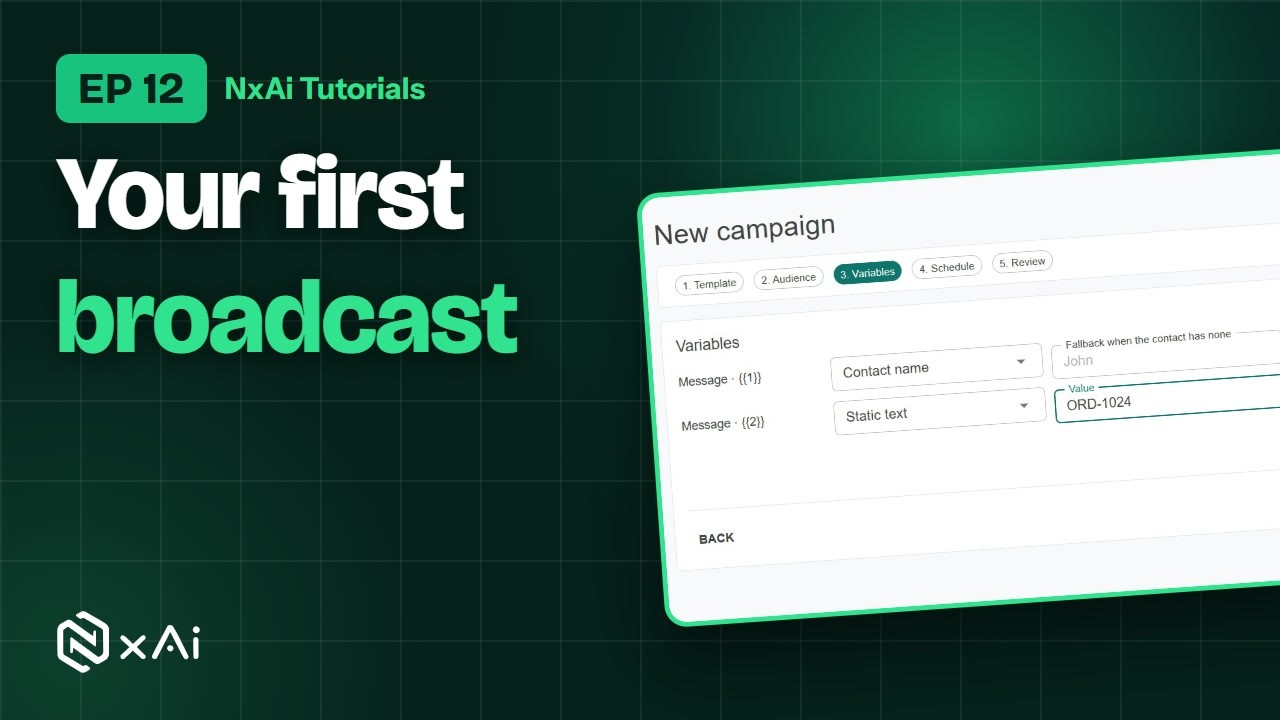
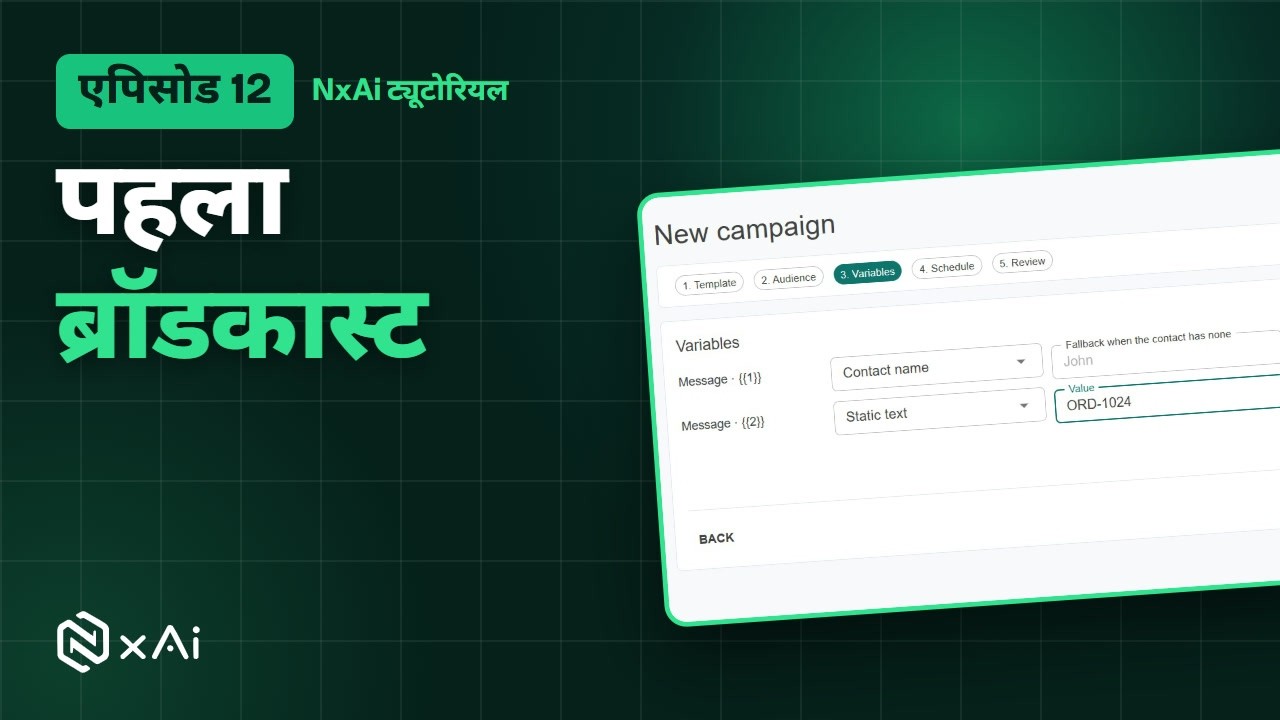
Your first broadcast campaign
Pick an approved template and an audience, personalise it, send yourself a test and launch.
एपिसोड 122:16आपका पहला ब्रॉडकास्ट कैंपेन
अप्रूव्ड टेम्पलेट और ऑडियंस चुनिए, पर्सनलाइज़ कीजिए, ख़ुद को टेस्ट भेजिए और लॉन्च कीजिए।
- Ep 131:50
Auto follow-ups
A planned series of messages for each person, on their own clock, that stops when they reply.
एपिसोड 132:00ऑटो फ़ॉलो अप
हर व्यक्ति के लिए उसके अपने समय पर मैसेजेज़ की तय सीरीज़, जो जवाब आते ही रुक जाती है।




4.Automate with chatbots & AIचैटबॉट और AI से ऑटोमेशन
Episodes 14–17एपिसोड 14–17- Ep 142:15
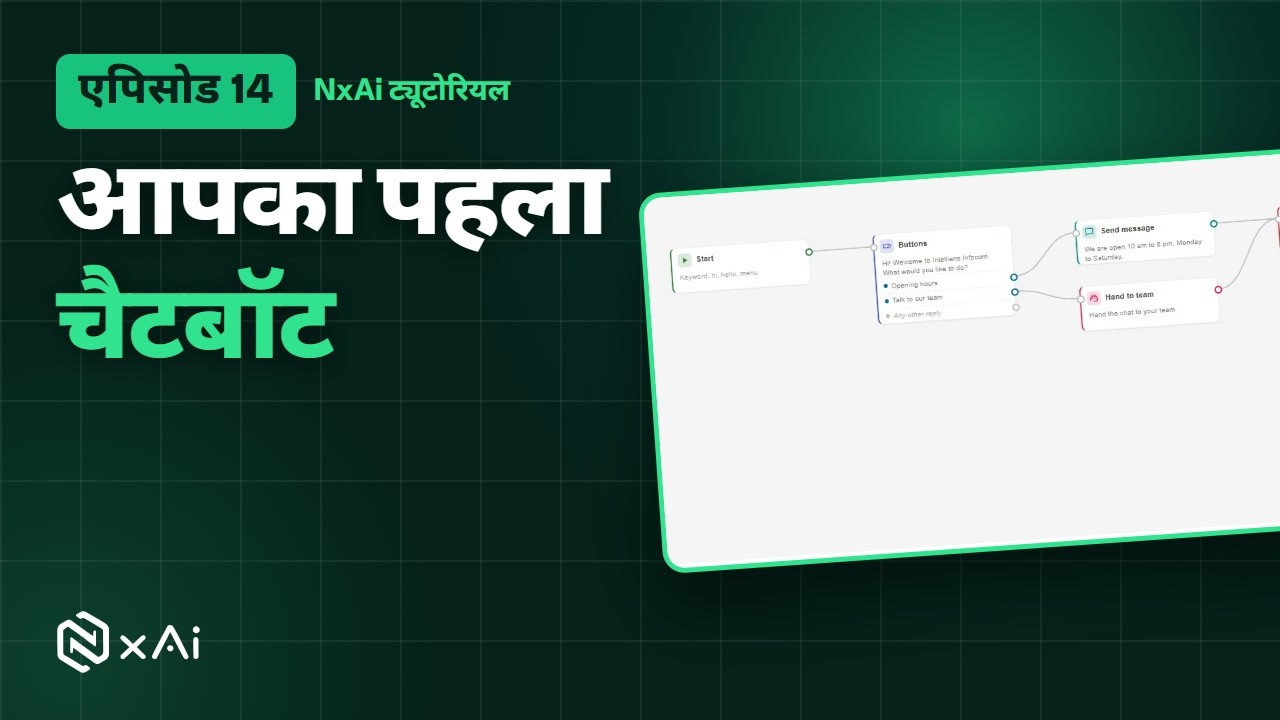
Build a chatbot, no code
Start on a keyword, add buttons, give each its own path, and hand the chat to your team.
एपिसोड 142:30चैटबॉट बनाइए, बिना कोड
कीवर्ड से शुरू कीजिए, बटन जोड़िए, हर बटन को अपना रास्ता दीजिए, और चैट टीम को सौंपिए।
- Ep 151:44
WhatsApp Forms
Build a form customers fill in without leaving WhatsApp, with a live phone preview.
एपिसोड 151:58WhatsApp फ़ॉर्म्स
ऐसा फ़ॉर्म बनाइए जिसे कस्टमर WhatsApp छोड़े बिना भरें, लाइव फ़ोन प्रीव्यू के साथ।
- Ep 161:33
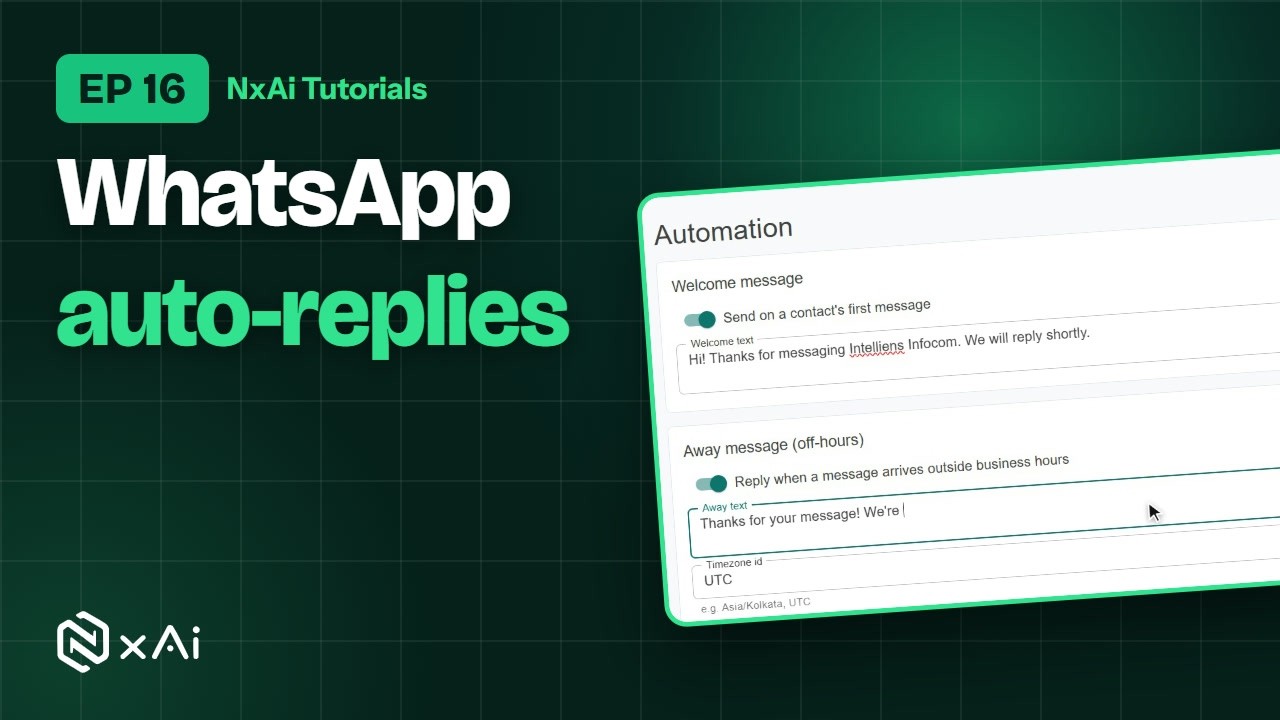
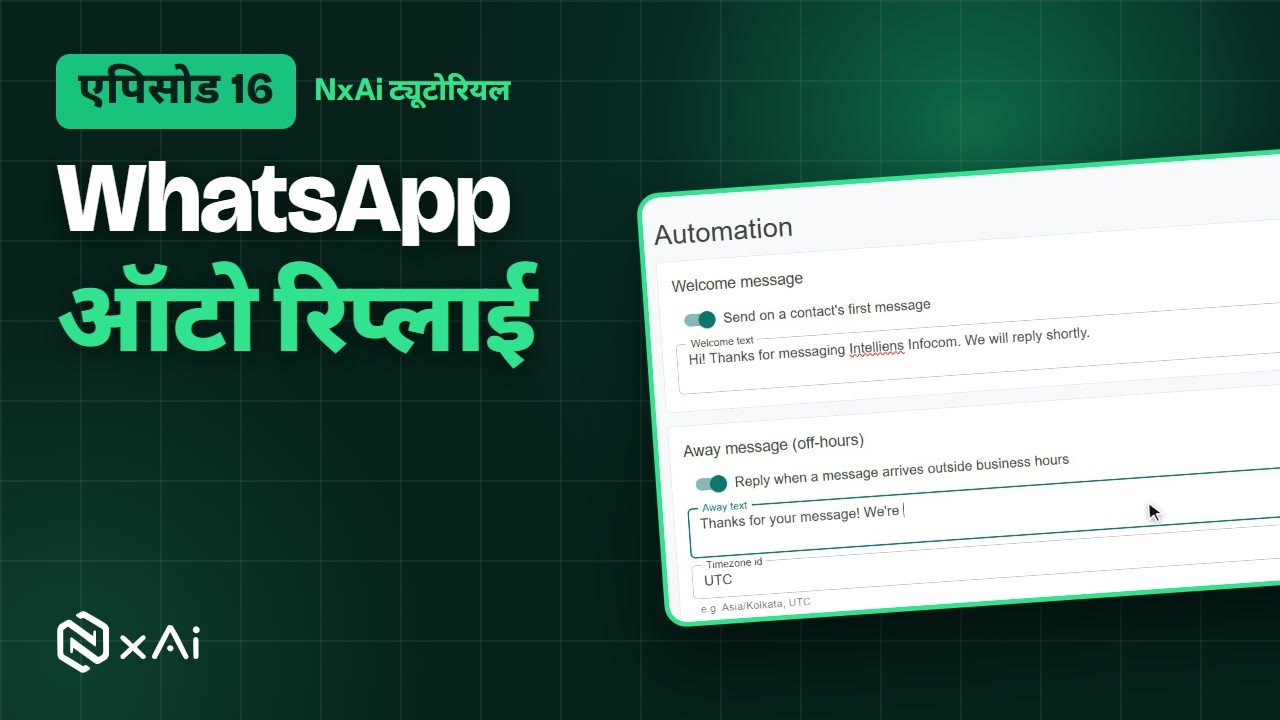
Auto-replies
Welcome and away messages, business hours, and keyword replies for common questions.
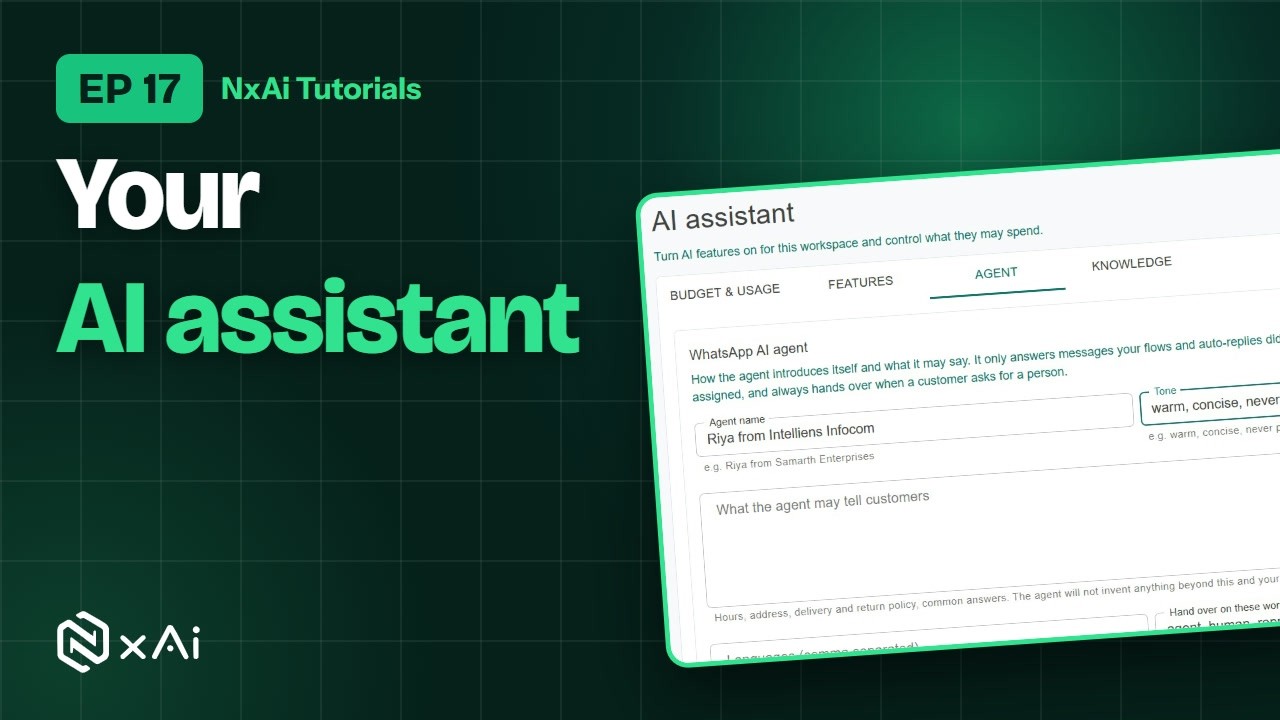
- Ep 171:59
Set up the AI agent
Switch AI on, set the agent's tone and limits, teach it your business, and choose when it hands over.
एपिसोड 172:23AI एजेंट सेट कीजिए
AI चालू कीजिए, एजेंट का लहजा और सीमाएँ तय कीजिए, उसे अपना बिज़नेस सिखाइए, और तय कीजिए कि वह चैट कब सौंपे।




5.Measure & work on the goनतीजे देखिए, कहीं से भी काम कीजिए
Episodes 18–19एपिसोड 18–19- Ep 181:55
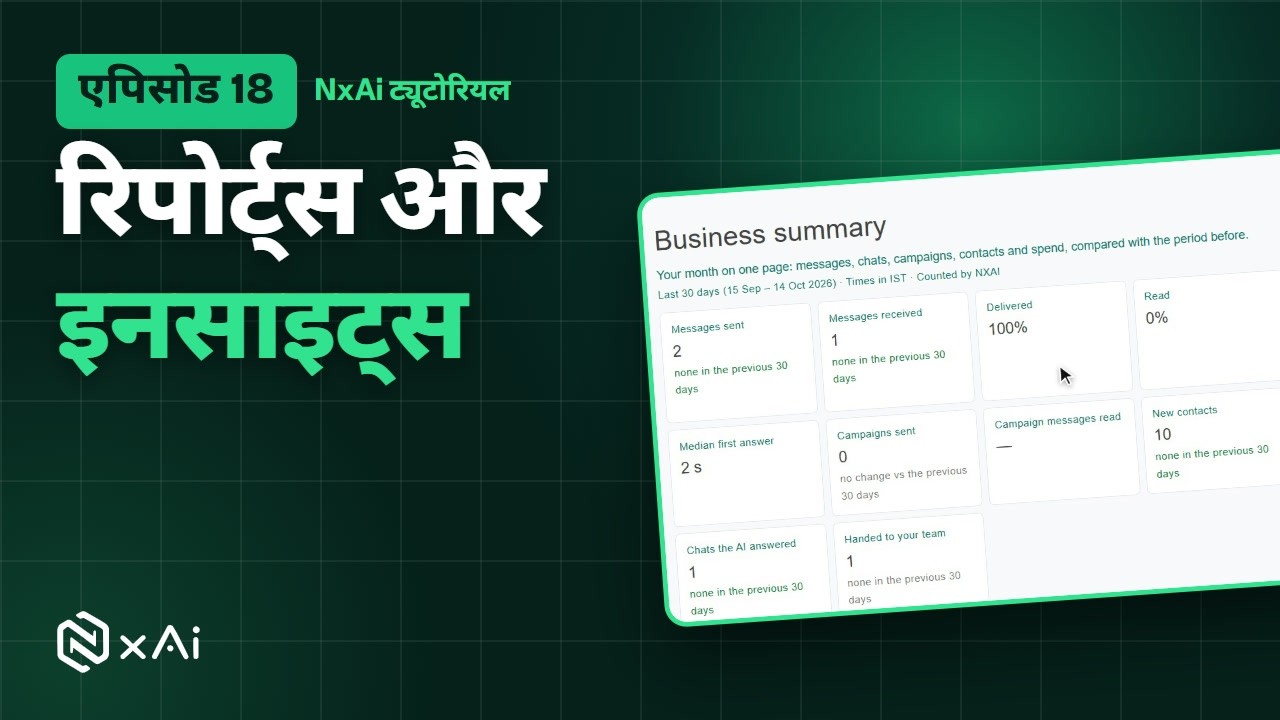
Reports & insights
Your business summary, lead sources and Meta's own figures, including quality rating and messaging limit.
एपिसोड 182:06रिपोर्ट्स और इनसाइट्स
बिज़नेस समरी, लीड सोर्सेज़ और Meta के अपने आँकड़े, क्वालिटी रेटिंग और मैसेजिंग लिमिट समेत।
- Ep 191:46
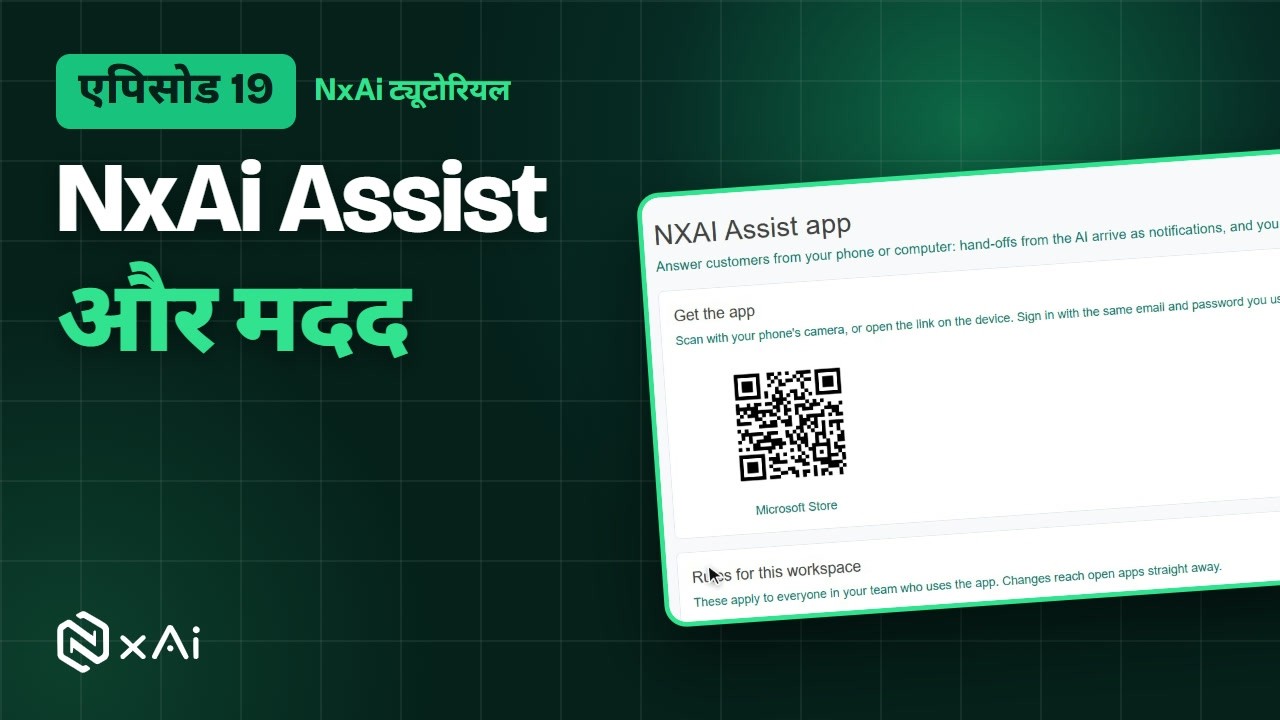
NxAi Assist app & getting help
Get your team on the app, set its rules, raise a support request and search the Knowledge Base.
एपिसोड 191:58NxAi Assist ऐप और मदद
टीम को ऐप पर लाइए, उसके नियम सेट कीजिए, सपोर्ट रिक्वेस्ट भेजिए और नॉलेज बेस में खोजिए।


Prefer YouTube? Both playlists are there.
- NxAi Tutorials (English)The complete overview and 19 episodes, in order
- NxAi ट्यूटोरियल (हिंदी)पूरी जानकारी वाला वीडियो और 19 एपिसोड, क्रम से
Every episode has captions. Subscribe to our YouTube channel to hear about new videos.

Ready to try it on your own number?
Start free, then follow along with Episode 1. We help you set up the first bot, template and campaign.
3 months free · No credit card required · Free onboarding
