
Your first broadcast campaignआपका पहला ब्रॉडकास्ट कैंपेन
Pick an approved template and an audience, personalise it, send yourself a test and launch.
अप्रूव्ड टेम्पलेट और ऑडियंस चुनिए, पर्सनलाइज़ कीजिए, ख़ुद को टेस्ट भेजिए और लॉन्च कीजिए।
Transcript
0:00Welcome
Welcome to NxAi tutorials! In this episode, you'll create your first broadcast campaign, to send an approved template to many contacts at once.
0:11What you'll do
We'll pick a template, choose the audience, fill in the variables, then review and save the campaign, ready to launch.
0:20Campaigns page
Under Marketing, open Campaigns. The tabs sort your campaigns: active, drafts, scheduled, sending, and completed. Click New campaign.
0:32Name & approved template
The wizard has five steps. Name your campaign, then choose an approved template. We're using a ready made one, order shipped. You see exactly what your customers will get.
0:45Choose the audience
Next, choose who gets it: everyone who opted in, contacts with certain tags, or a saved contact group. NxAi only counts the people who opted in.
0:58Personalise the variables
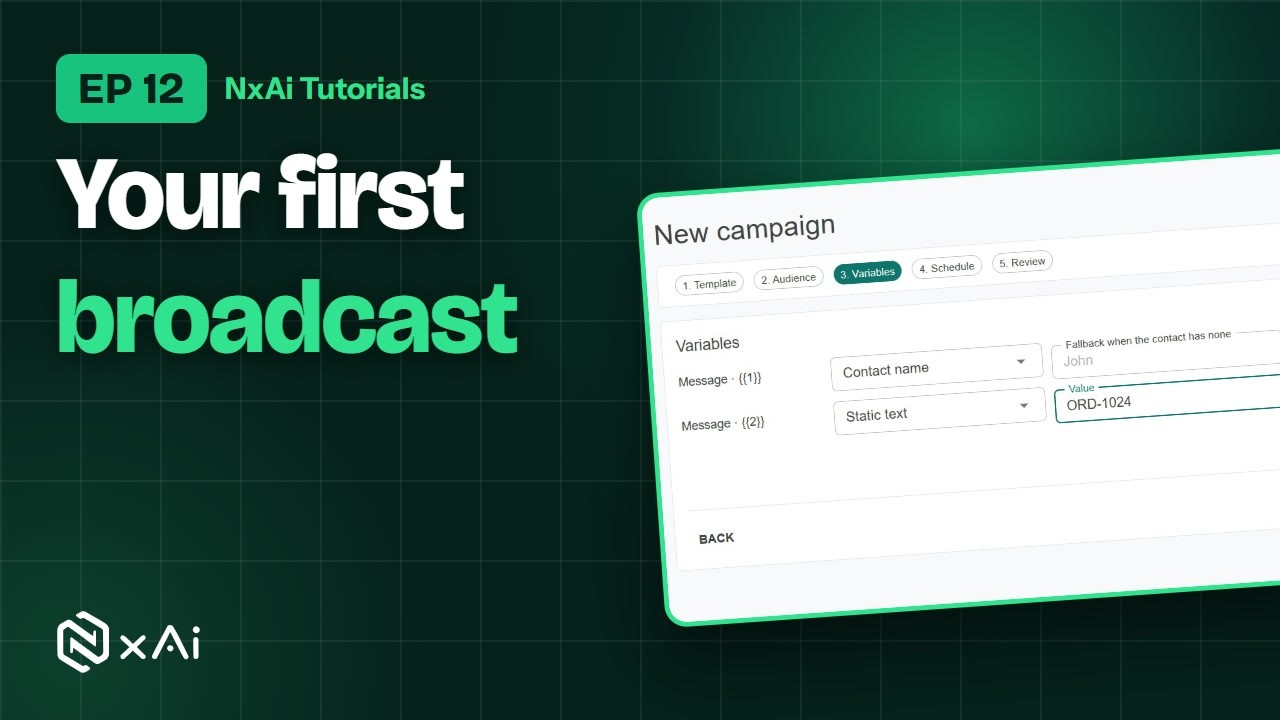
Then fill in the variables. The first one uses each contact's name, and the second is a fixed text. The preview shows the result.
1:08Schedule, review & save
Choose to send on launch, or schedule it for later. On Review, check the audience, the number of recipients and the schedule. Meta bills messaging charges to your WhatsApp account. You can send yourself a test first. Then click Save campaign.
1:26Draft & Send now
Your campaign is saved as a draft. When you're ready, click Send now to launch it. You can also cancel or archive it.
1:36After you launch
After you launch, each campaign shows delivered, read, replied and failed messages, and Reports has a full campaign report. And always send only to people who opted in.
1:48Next episode
In the next episode, we'll set up auto follow ups, a planned series of messages for each person. If this video helped, subscribe, and see you in the next one!
ट्रांसक्रिप्ट
0:00स्वागत
NxAi ट्यूटोरियल्स में आपका स्वागत है! इस एपिसोड में आप अपना पहला ब्रॉडकास्ट कैंपेन बनाएँगे, जिससे एक अप्रूव्ड टेम्पलेट एक साथ कई कॉन्टैक्ट्स को भेजा जाता है।
0:14इस एपिसोड में
हम एक टेम्पलेट चुनेंगे, ऑडियंस तय करेंगे, वेरिएबल्स भरेंगे, फिर कैंपेन रिव्यू करके सेव करेंगे, लॉन्च के लिए तैयार।
0:23Campaigns पेज
Marketing में Campaigns खोलिए। टैब्स आपके कैंपेन छाँटते हैं: एक्टिव, ड्राफ़्ट्स, शेड्यूल्ड, सेंडिंग, और कंप्लीटेड। New campaign पर क्लिक कीजिए।
0:36नाम और अप्रूव्ड टेम्पलेट
विज़ार्ड में पाँच स्टेप्स हैं। अपने कैंपेन को नाम दीजिए, फिर एक अप्रूव्ड टेम्पलेट चुनिए। हम एक तैयार टेम्पलेट ले रहे हैं, order shipped। आपको ठीक वही दिखता है जो कस्टमर्स को मिलेगा।
0:51ऑडियंस चुनना
आगे, तय कीजिए कि यह किसे मिले: ऑप्ट इन करने वाले सभी लोग, कुछ टैग्स वाले कॉन्टैक्ट्स, या कोई सेव्ड कॉन्टैक्ट ग्रुप। NxAi सिर्फ़ ऑप्ट इन करने वालों को गिनता है।
1:04वेरिएबल्स भरना
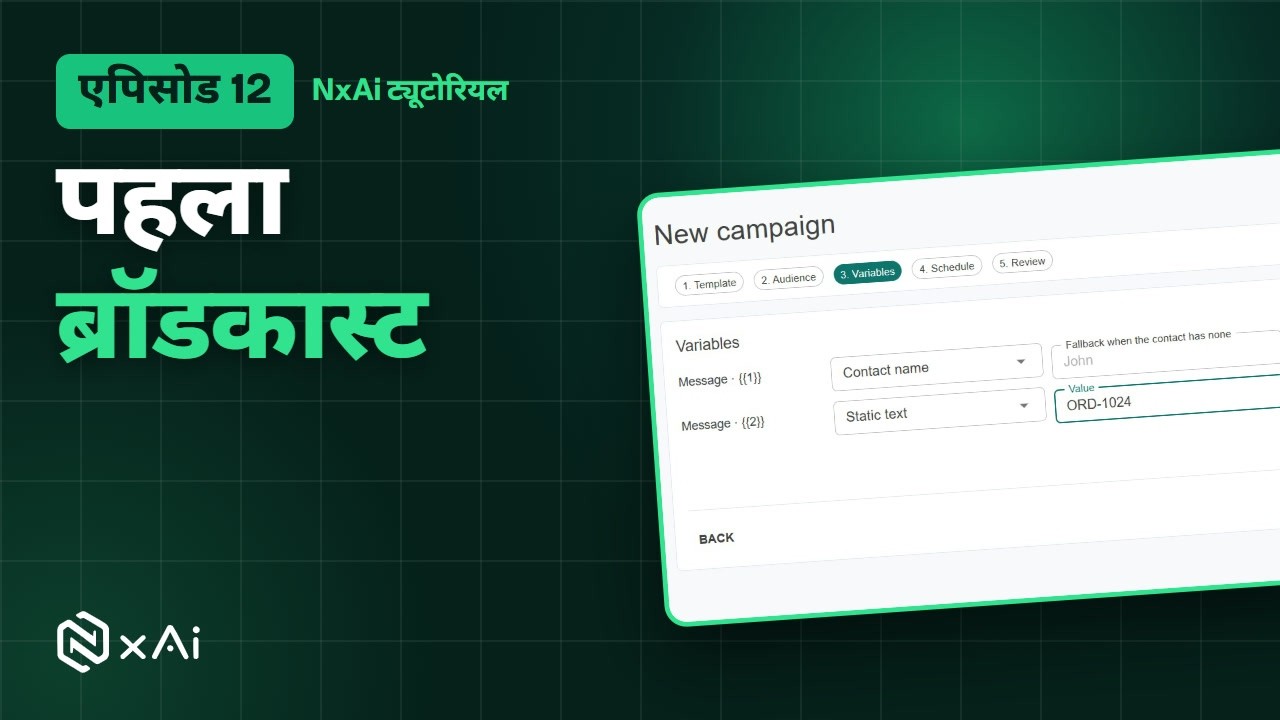
फिर वेरिएबल्स भरिए। पहला हर कॉन्टैक्ट का नाम लेता है, और दूसरा एक तय टेक्स्ट है। प्रीव्यू में नतीजा दिखता है।
1:15शेड्यूल, रिव्यू और सेव
चुनिए कि लॉन्च पर भेजना है, या बाद के लिए शेड्यूल करना है। Review पर ऑडियंस, रिसीपिएंट्स की गिनती और शेड्यूल जाँचिए। मैसेजिंग चार्ज Meta आपके WhatsApp अकाउंट पर लगाता है। पहले ख़ुद को एक टेस्ट भी भेज सकते हैं। फिर Save campaign पर क्लिक कीजिए।
1:35Draft और Send now
आपका कैंपेन ड्राफ़्ट के रूप में सेव हो गया। तैयार होने पर उसे लॉन्च करने के लिए Send now पर क्लिक कीजिए। आप उसे कैंसल या आर्काइव भी कर सकते हैं।
1:47लॉन्च के बाद
लॉन्च के बाद हर कैंपेन में डिलीवर्ड, पढ़े गए, जवाब मिले और फ़ेल हुए मैसेज दिखते हैं, और Reports में पूरी कैंपेन रिपोर्ट होती है। और हमेशा सिर्फ़ ऑप्ट इन करने वालों को ही भेजिए।
2:00अगला एपिसोड
अगले एपिसोड में हम ऑटो फ़ॉलो अप सेट करेंगे, यानी हर व्यक्ति के लिए मैसेजेज़ की एक तय सीरीज़। अगर यह वीडियो काम का लगा, तो चैनल सब्सक्राइब कीजिए, मिलते हैं अगले एपिसोड में!

Ready to try it on your own number?
Start free and follow along. We help you set up the first bot, template and campaign.
3 months free · No credit card required · Free onboarding
